


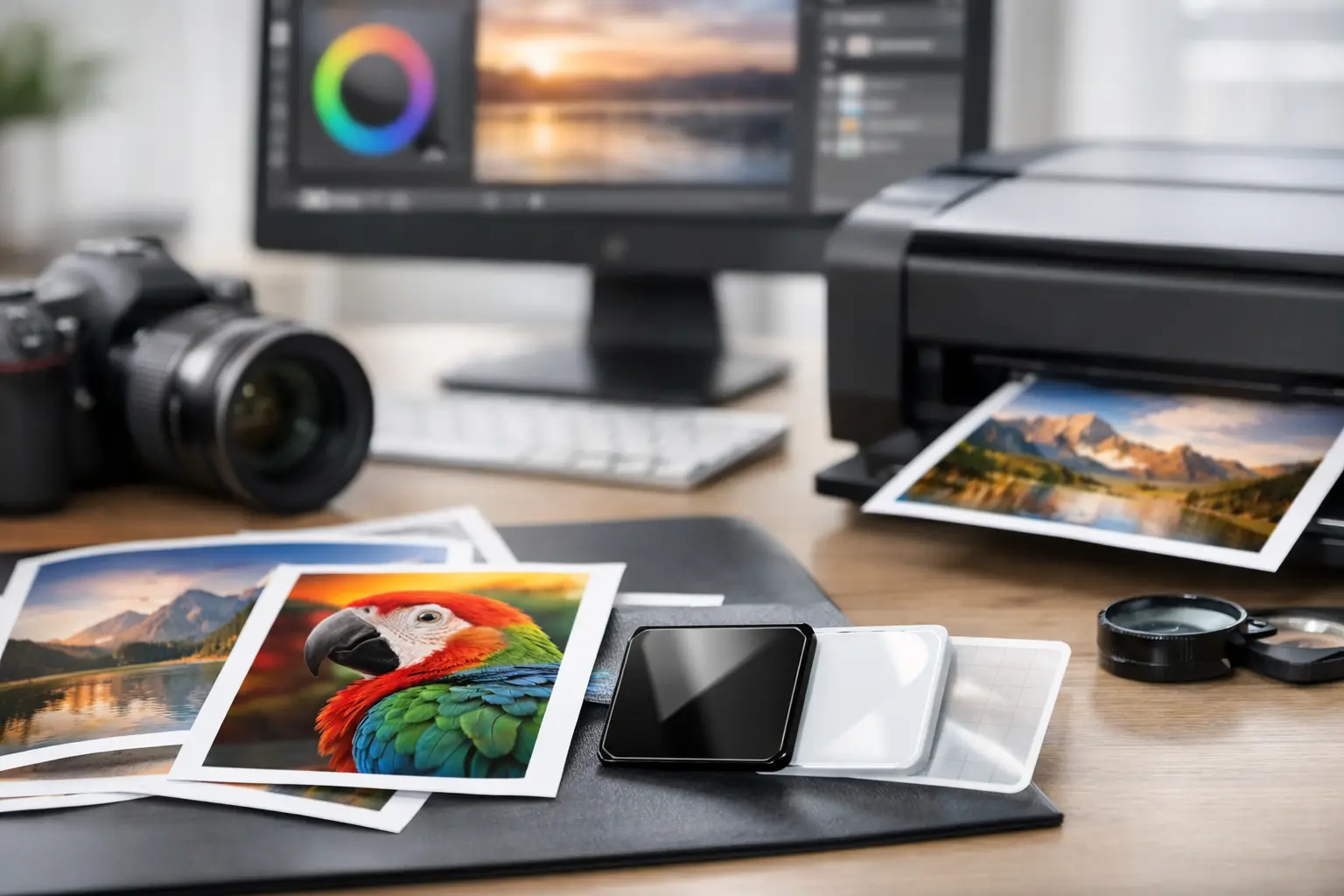
A print job can look perfect on screen and still fail at production. The usual culprit is not the design itself. It is the file. If you have ever asked what file format for printing gives the best result, the short answer is this: PDF is usually the safest choice, but the right format depends on the product, print method, and how the artwork was built.
For business buyers, that distinction matters. A brochure, event backdrop, embroidered uniform logo, and branded power bank do not all follow the same artwork rules. Sending the wrong file can lead to fuzzy logos, color shifts, missing fonts, or last-minute delays that put your campaign or event timeline at risk. The goal is not just to send a file that opens. It is to send one that prints cleanly, scales correctly, and works with the production method.
What file format for printing usually works best?
For most commercial print jobs, PDF is the preferred format. It holds layout, fonts, vector elements, and images in a way that travels well between designers, clients, and print teams. A press-ready PDF also reduces the risk of elements moving around when opened on a different device.
That said, PDF is not automatically correct just because it is a PDF. A low-resolution image dropped into a PDF will still print poorly. A PDF with RGB colors may still shift during production. Think of PDF as the best container, not a magic fix.
When editable source files are needed, printers may also ask for AI, EPS, PSD, or even SVG depending on the job. These are especially useful when artwork needs to be resized, separated by color, or adapted across multiple products.
The main file formats and when to use them
PDF for most finished print artwork
PDF is the standard choice for flyers, catalogs, signage, packaging layouts, certificates, and many event graphics. It is reliable because it can embed fonts, preserve vector artwork, and keep page dimensions intact.
For corporate buyers, this is often the easiest format to approve and hand over. If your design is final, a high-resolution PDF with bleed and crop settings is usually the cleanest path to production. It is especially useful when several stakeholders review a file before signoff.
AI and EPS for logos and scalable artwork
Adobe Illustrator files and EPS files are often best for logos, line art, and branding elements that need to scale across different applications. If your logo may appear on a lanyard today, a booth wall next month, and a staff jacket after that, vector format matters.
Vectors stay sharp when enlarged because they are based on paths rather than pixels. That is why AI and EPS are commonly requested for apparel printing, silkscreen work, engraving, and large-format branding. If your logo only exists as a small JPG pulled from a website, that creates limitations right away.
PSD for layered design work
Photoshop PSD files are useful when a print team needs access to layers, masking, or image edits. This is common for product mockups, composite visuals, and certain packaging or promotional layouts.
Still, PSD is usually not the final handoff format unless requested. It is large, can contain missing linked assets, and may not be ideal for straightforward production. In many workflows, PSD is the working file and PDF is the delivery file.
JPG and PNG for limited cases
JPG and PNG are common image formats, but they are not always ideal for professional printing. JPG uses compression, which can reduce quality, especially after repeated exports. PNG supports transparency, which makes it useful for digital use and some simple artwork placement, but it is still a raster format.
These files can work for certain short-run items if they are high resolution and sized correctly. But for logos, text-heavy artwork, or anything that needs resizing, they are a risky starting point. A clean vector file is usually the better option.
Vector vs raster matters more than people think
In practical terms, one of the most important print decisions is whether your artwork is vector or raster.
Vector files are ideal for logos, icons, text-based branding, and artwork that may be resized. They remain crisp at small and large sizes. Raster files, such as JPG, PNG, and TIFF, are built from pixels. They work well for photographs, but once stretched beyond their original size, they lose sharpness.
This is where business buyers often run into trouble. A logo copied from a website might look acceptable in an email signature, but it will not hold up on a banner stand or embroidered polo. The file may technically exist, but it is not production-ready.
Resolution, color mode, and bleed still matter
Even if you choose the right file type, print quality depends on how the file is prepared.
Resolution should generally be 300 DPI at final print size for most printed materials. Large-format graphics can sometimes work at lower effective resolution depending on viewing distance, but that should be checked before approval. A backdrop viewed from several feet away follows different rules than a presentation folder held in hand.
Color mode is another common issue. Commercial print usually works in CMYK, while screens display RGB. If artwork is created only in RGB, printed colors may appear duller or shift unexpectedly. Brand colors should also be checked against Pantone references when exact matching is important, especially for merchandise and event branding.
Bleed is essential for artwork that extends to the edge of the page or product area. Without bleed, slight trimming movement can leave unwanted white edges. Many delays happen because the design looks finished visually but is not set up for actual cutting or production.
What file format for printing different products?
The right answer changes based on the item being produced.
For brochures, posters, folders, and presentation materials, a press-ready PDF is typically best. For logos going onto T-shirts, uniforms, tote bags, and lanyards, AI or EPS is often preferred because vector artwork supports cleaner output and easier resizing. For photo-heavy graphics such as custom wall panels or display visuals, a high-resolution PDF or TIFF may be appropriate depending on the workflow.
Promotional merchandise adds another layer. Printing on pens, bottles, USB drives, notebooks, and gift sets often involves smaller imprint areas and different production methods, such as pad printing, UV printing, engraving, or silkscreen. Each method may require different artwork preparation. A file that works for a flyer may not work for a metal tumbler.
That is why experienced print coordination matters. The best format is not only about design software. It is about matching the artwork to the real production process.
Common file mistakes that slow down orders
Most file issues are avoidable, but they often show up when timelines are tight. Low-resolution logos are one of the biggest problems. Missing fonts, unoutlined text, hidden layers, and incorrect dimensions are also common.
Another issue is sending only flattened artwork when changes are still likely. If a campaign date, staff name, booth number, or event sponsor lineup may change, keeping an editable source file available helps prevent rework.
There is also the assumption that if a file printed well once, it is suitable for every future use. That is not always true. A logo prepared for embroidery may need adjustment before being used for a glossy catalog cover. Fine lines, gradients, and small text behave differently across print methods.
A practical way to submit artwork with fewer revisions
If you want the smoothest print process, send both the final output file and the editable source file when available. For example, provide a press-ready PDF along with AI or PSD files, plus linked fonts or outlined text where needed. Include brand color references, final dimensions, and any placement notes.
It also helps to mention the end use. Saying that the logo is for a 10-foot event backdrop, a polo chest print, or a premium gift box gives the production team context. That context affects scaling, line thickness, finishing choices, and whether the file is strong enough for the application.
At Global Asia Printings, that kind of upfront coordination is often what saves time. Buyers do not always need to know every technical detail, but they do need a partner who can spot problems before they reach production.
The best file format is the one that fits the job, not the one that happens to be easiest to attach in an email. If you are unsure, send what you have early and ask for a file check before the deadline gets tight.