


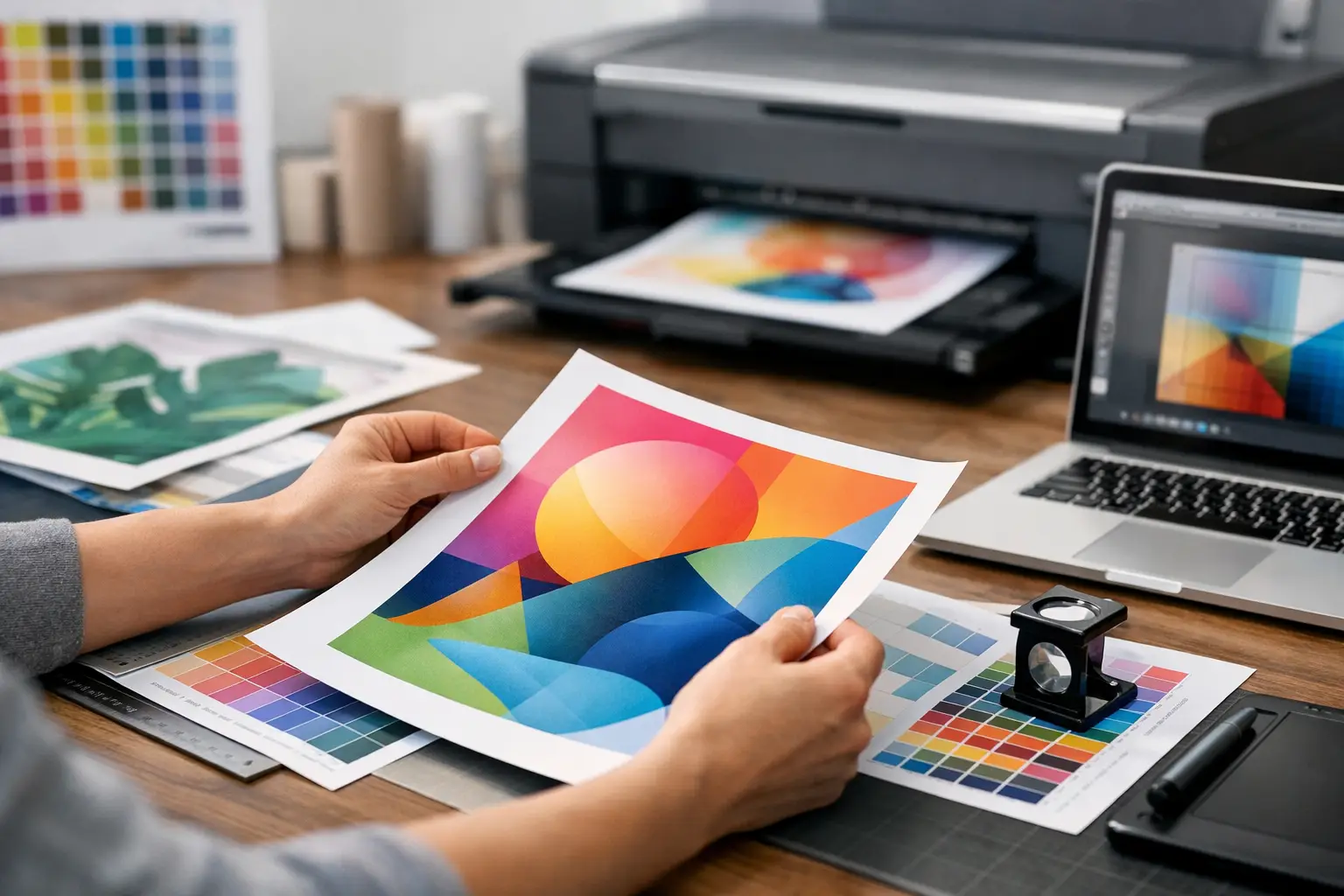
A design can look sharp on screen and still fail at production. That usually happens when artwork is built for digital viewing, not for print. If you are figuring out how to prepare print artwork for uniforms, event backdrops, corporate gifts, packaging, or promotional materials, the goal is simple: give your print partner a file that is ready to run without guesswork, edits, or avoidable delays.
For business orders, artwork preparation is not just a design task. It affects lead time, print accuracy, material suitability, and budget control. A small setup issue like missing bleed or converting the wrong colors can create rework across hundreds or thousands of pieces. When timelines are tight, getting the file right at the start matters more than most buyers expect.
How to prepare print artwork for real production
The most reliable way to prepare artwork is to start with the final product in mind. A logo on a polo shirt, a full-color flyer, a UV print on a power bank, and a large-format event panel all have different production limits. Before your team finalizes any file, confirm the print method, product dimensions, and visible print area.
This is where many projects go off track. Buyers often approve a design based on overall aesthetics, but printers need technical accuracy. If your artwork is built larger or smaller than the actual print area, includes effects that cannot reproduce well on the chosen material, or uses low-resolution images, the design may need to be rebuilt.
For practical planning, think in terms of output. Ask what is being printed, how it will be printed, what size the imprint area is, and whether the product surface is flat, curved, textured, or fabric-based. Those details shape the file setup from the beginning.
Start with the correct file size
Set your artwork to the exact final print dimensions whenever possible. If the item is a brochure, sticker sheet, certificate, or poster, build the file at finished size. If it is a product with a defined branding area, such as a tumbler, lanyard, tote bag, or notebook, use the printer’s artwork template or stated imprint dimensions.
Scaling files later can create problems. Small text may become unreadable, logos may lose proportion, and image quality can drop if raster graphics are stretched. For large-format items such as event walls and booth panels, files are sometimes built at scale, but the ratio must be specified clearly. A half-scale file with the wrong resolution can still print poorly.
Add bleed and keep safe margins
If your design runs to the edge of a printed piece, bleed is required. Bleed is the extra image area that extends beyond the trim line so slight cutting shifts do not leave white edges. Without it, even a well-designed flyer or box insert can look unfinished.
A standard bleed is often 0.125 inches on each side for commercial print, but specifications vary by product and vendor. Safe margins matter just as much. Keep text, logos, and critical design elements inside the trim area so nothing important gets cut off.
For merchandise, the same principle applies in a different way. You may not need traditional bleed on a mug or shirt print, but you still need clear spacing from seams, edges, handles, zippers, and other physical constraints.
Use the right color mode from the start
One of the most common production issues is designing in RGB and expecting the same result in print. Screens display light. Printing uses ink. That difference changes how colors reproduce.
For most print jobs, artwork should be prepared in CMYK or with specified Pantone colors if exact brand matching is required. CMYK is standard for brochures, catalogs, posters, and many full-color jobs. Pantone is often preferred for corporate identity work where brand consistency matters across uniforms, signage, and promotional products.
The trade-off is cost and method. Pantone matching may be available for some print processes and not practical for others. A fabric print, a plastic item, and a coated paper stock can all show the same brand color differently. If color accuracy is critical, ask for a proof or sample expectation early rather than assuming every substrate will match perfectly.
Choose vector artwork whenever possible
If your file includes logos, icons, line art, or text-based brand marks, vector format is the safest option. Vector files stay crisp at any size and are easier to separate for many production methods such as screen printing, embroidery digitizing, vinyl cutting, and large-format output.
Accepted vector file types often include AI, EPS, and editable PDF. If your team only has a PNG or JPEG logo, that may work for some simple digital print jobs, but it is not ideal for every application. Low-quality logos become a major issue when placed on exhibition graphics or apparel where edge clarity matters.
Raster images still have a place, especially for photos or detailed artwork, but they must be supplied at the right resolution. As a general rule, 300 dpi at final size is suitable for most print materials. Large-format graphics can sometimes use lower effective resolution depending on viewing distance, but that should be confirmed case by case.
Outline fonts and package linked images
Fonts are a quiet source of production delays. If the printer does not have the exact font used in your file, the system may substitute it automatically, which can change spacing, alignment, and overall appearance. The safest option is to outline fonts before sending final artwork. That converts text into graphic shapes and prevents font replacement issues.
Linked images should also be embedded or packaged correctly. A design file may look complete on your computer while missing linked assets when opened elsewhere. If images are not included, the printer may receive blank placeholders or low-resolution previews instead of the actual files.
Before submission, do a quick preflight check. Open the file on another device if possible. Make sure no fonts are missing, no images are broken, and no hidden layers contain outdated artwork.
Match the artwork to the print method
This is the part many business buyers do not see until production starts. Good artwork is not only technically clean. It also suits the print method.
Screen printing works well for bold, solid-color artwork and high-volume apparel orders, but very fine gradients or tiny details may not reproduce cleanly. Heat transfer can handle complex graphics, though durability, finish, and feel may differ from direct print methods. Embroidery requires simplified shapes, thicker lines, and minimum text sizes because thread has physical limitations. UV printing on hard goods allows detailed output, but curved surfaces and small imprint areas still affect readability.
There is no single best file style for every product. The right setup depends on the item, quantity, budget, and expected finish. That is why artwork for a campaign often needs multiple versions rather than one design copied across everything.
Keep logos, lines, and text production-safe
Very thin strokes, tiny legal text, and tightly spaced letters often look acceptable on screen but fail in print. On apparel, thread spread can close up small counters in letters. On small promotional items, a slogan may become unreadable once reduced to fit the branding area. On coated stock, fine details may hold better than on textured surfaces.
As a working rule, simplify when the imprint area gets smaller. Use stronger contrast, thicker line weights, and fewer fine details. If your company logo has horizontal and stacked versions, prepare both. One may suit a lanyard while the other works better on a gift box or event standee.
Final checks before sending artwork
A good handoff saves time for everyone involved. Send final files in the requested format and include clear instructions on quantity, item color, print location, and intended print size. If there are multiple SKUs or design versions, label files clearly instead of using vague names like final-v2-new.
It also helps to include a visual reference. A mockup or simple placement guide reduces back-and-forth, especially for multi-item orders. For event projects with booth graphics, banners, staff apparel, and giveaway items, organized artwork keeps production aligned across every component.
At this stage, approval discipline matters. Once artwork is approved for print, even small corrections can affect schedule and cost. Check phone numbers, names, event dates, URLs, and sponsor logos carefully. The most expensive mistake is often not the print itself. It is discovering an error after installation, distribution, or event setup.
For companies managing campaigns at speed, the best approach is to treat artwork preparation as part of project execution, not as a last-minute file export. That means confirming specs early, building files to production requirements, and working with a print partner who flags issues before they become delays. Global Asia Printings handles this every day across merchandise, apparel, and event branding, and the difference is always visible in the final result.
If your artwork is heading to print soon, the safest question is not whether the design looks good. It is whether the file is truly ready to produce at the quality your brand expects.